Apple Watch + iPhone · step challenge
How to compete when your friend has no Apple Watch
Apple’s Activity competitions are made for two Apple Watches. If your friend only has an iPhone, compete on steps instead: both phones already count them, and Competo puts you on one leaderboard.
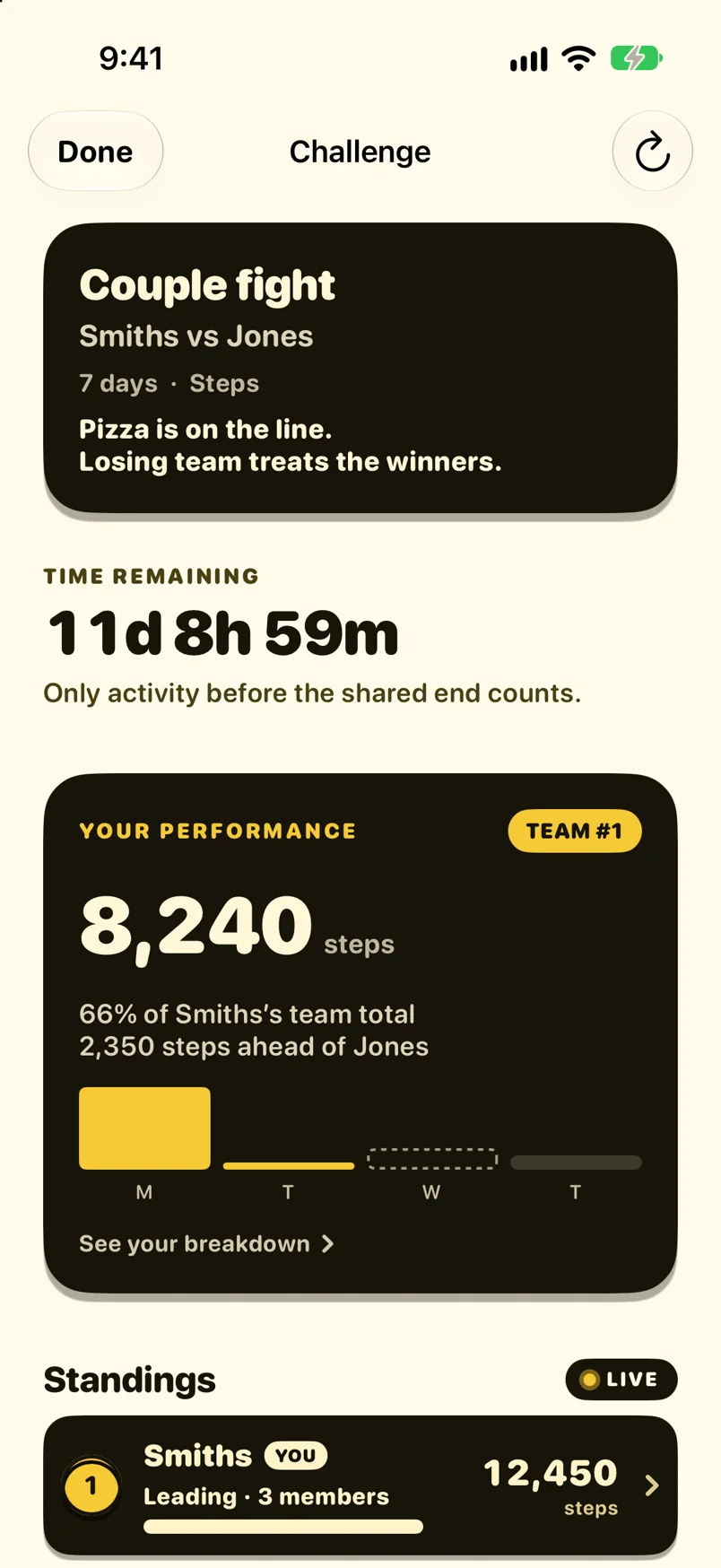
- iPhone steps count
- Hand-entered steps don’t
- 3, 7 or 14 days, one code
Can you compete with someone who doesn’t have an Apple Watch?
Not in Apple’s own competition. It gives one point for every percent of your Move, Exercise and Stand rings you close, up to 600 a day for 7 days, and an iPhone without a watch only has a Move ring. Apple’s help article on Activity sharing also says that if you can’t add a friend, you should make sure they have an Apple Watch.
Steps are different. Every iPhone counts them on its own, so a step challenge is fair across devices. In a Competo step challenge your Apple Watch steps and your friend’s iPhone steps are ranked on the same board, synced from Apple Health, and steps typed in by hand don’t count.
Set up a step challenge with an iPhone-only friend
- Create a step challengeIn Competo, choose steps as the scoring, pick 3, 7 or 14 days and a start date. Creating a Challenge needs Premium.
- Send them the codeYour friend installs Competo for free, allows Apple Health access and enters the six-character code. No watch needed.
- Agree on the phone ruleTheir iPhone counts steps only when they carry it. Say “phone in pocket” before day one.
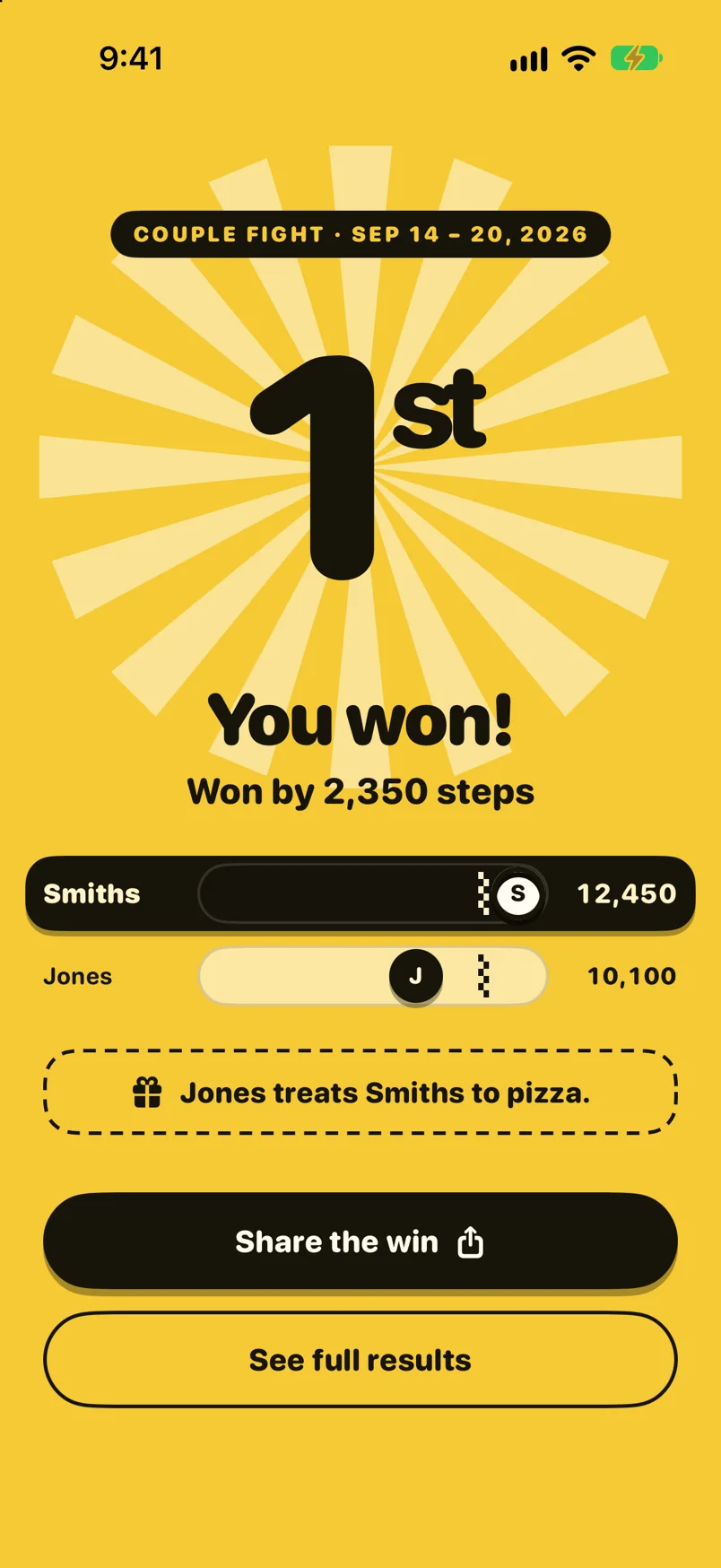
- Results lock at the endAfter the last day the standings lock and you both get a results card for the chat.
More on scoring, teams and the rules: Apple Watch step challenge. What each ring measures: Activity rings explained.
Your three options, honestly
| Option | What you get | Who it suits |
|---|---|---|
| Apple Activity sharing | See each other’s rings and workouts | Free and built in. Not a contest, and Apple’s own help says the friend needs an Apple Watch if adding them fails. |
| Competo step challenge | Most steps wins, 3, 7 or 14 days | Both of you on iPhone, one or both with an Apple Watch. Free to join; creating it needs Premium. |
| A cross-platform step app | Most steps wins | The answer when your friend uses Android. Competo is iPhone only. |
Who this is for
A partner without a watch
You wear an Apple Watch, they don’t. A 7-day step race gives you both a fair shot.
Parents and kids
Kids on iPhones against parents on Apple Watch, most steps over a weekend wins.
A friend who is thinking about a watch
They can race you on iPhone steps now, and switch to ring challenges once they get one.
A friend on Android
Honest answer: Competo can’t include them. Pick an app that runs on both platforms.
Competing without an Apple Watch: FAQ
Can you do an Apple Watch competition with someone who doesn’t have one?
Not reliably. Apple’s competitions score the share of all three Activity rings you close, and an iPhone without a watch only tracks the Move ring. Apple’s own troubleshooting article says that if you can’t add a friend for Activity sharing, you should make sure they have an Apple Watch.
Can I share my Activity rings with an iPhone user?
The Fitness app on iPhone has a Sharing tab, so you can invite a friend from it. What they can share depends on their devices: without an Apple Watch there is only a Move ring to show, and Apple says a friend without a watch may not be addable at all.
How does my friend join a Competo step challenge with just an iPhone?
They install Competo from the App Store, allow Apple Health access, and enter the six-character code you send. Their iPhone step count goes on the same leaderboard as your Apple Watch steps. Joining is free.
Is it fair if one of us has a watch and the other only a phone?
Mostly. An Apple Watch counts every step on your wrist; an iPhone only counts steps while it is in a pocket or bag. The rules are the same for both, so agree on “phone in pocket” before you start.
Can they type in steps by hand?
No. Steps entered by hand in the Health app don’t count. Only steps recorded by an iPhone or Apple Watch do.
Can we compete on rings instead of steps?
You can, but it is lopsided: in a ring-points Challenge, a player with only an iPhone earns points from the Move ring alone. For a mixed pair, steps are the fair choice.
What if my friend has an Android phone?
Then Competo won’t work for them: it is iPhone only. Use a step app that runs on both iPhone and Android, such as Stridekick, and check its current features before you invite them.
Want to know how Apple’s competition points work first? Apple Watch competition rules, explained.
Start a step challenge they can join
Free to join on iPhone. Create the challenge, send the code, and Apple Health does the counting.
Get Competo on the App Store