
Step challenge with friends, counted by Apple Health
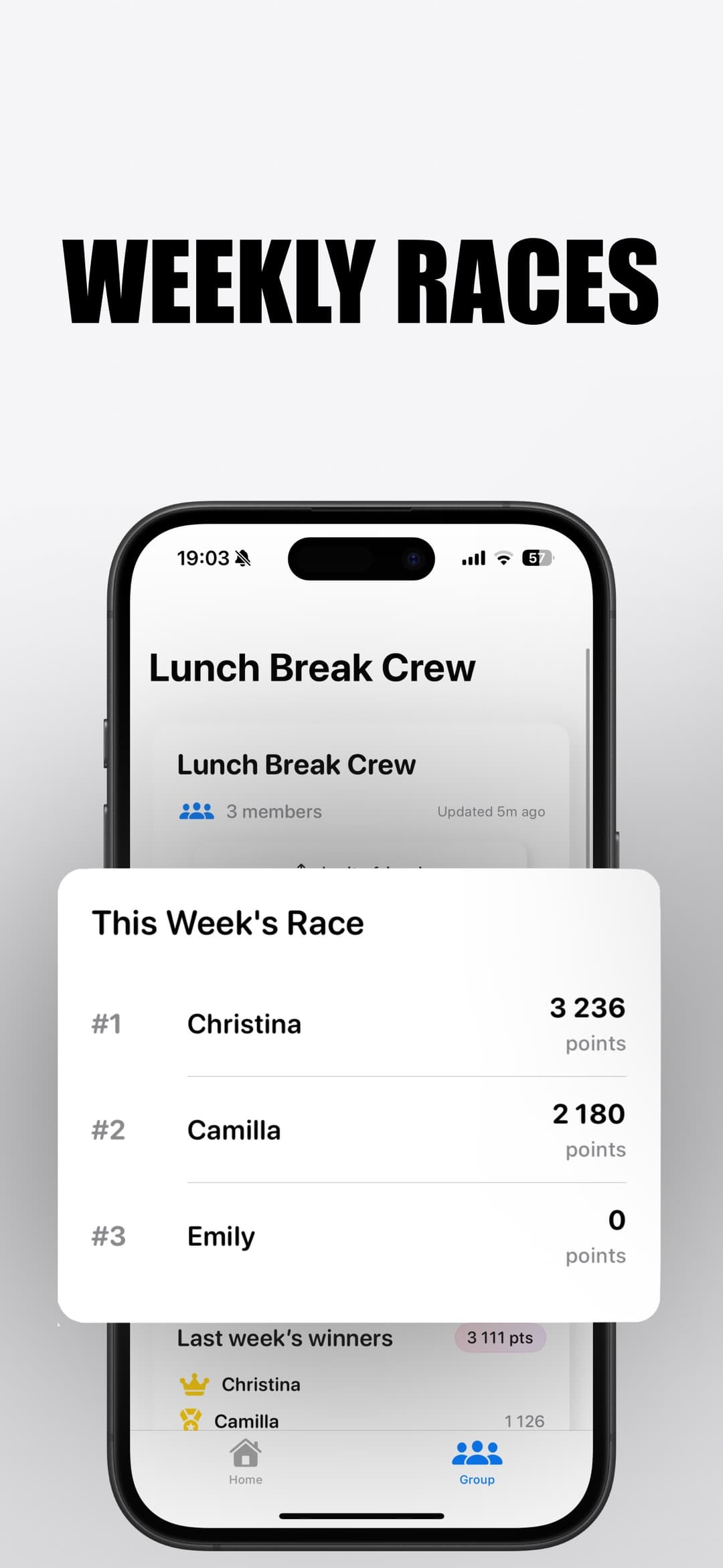
Pick 3, 7, or 14 days, share one code, and see who walks the most. Steps come straight from Apple Watch or iPhone, so nobody can pad the numbers.
Free to join · Apple Watch or iPhone
- Individual or two teams
- No manual steps, no editing
- iPhone-only friends can join
Can you do a step challenge on Apple Watch?
Not with Apple’s built-in competition. It never counts steps: it scores the percentage of your Move, Exercise, and Stand rings, and it only works between two people. Setting a 10,000-step goal on the watch is a personal target, not a contest. If your group wants a plain “most steps wins” challenge, the Fitness app cannot run it.
A Competo step challenge does exactly that: one shared leaderboard, a fixed number of days, and step totals pulled automatically from Apple Health. Friends without a watch join with their iPhone’s step count.
How an Apple Watch step challenge works in Competo
Create the challenge
Name it, choose steps as the scoring method, pick 3, 7, or 14 days, set the start date, and decide on individual or two-team format.
Share the code
Everyone enters the code, reviews the rules and schedule, and confirms they are in. Team players pick their side.
It starts on its own
At midnight on the start date the challenge begins automatically. Nobody needs the app open, and nobody can join late.
Results lock
After the last day, Competo waits briefly for delayed Apple Health data, then locks the standings and gives you a shareable results card.
Prefer ring-based scoring, or team vs team? See the Apple Watch group challenge or the weekly group competition.
Step challenges people actually run
Office step challenge
Two departments, 14 days, equal team sizes required. Loser buys coffee.
Family walking challenge
A 7-day race where the kids on iPhones compete with the parents on Apple Watch.
Friends’ weekend battle
Three days, most steps wins, results card straight into the group chat.
Couple vs couple
Two teams of two. Combined steps decide who cooks Sunday brunch.
Apple Watch step challenge FAQ
Can you do a step challenge on Apple Watch with friends?
Not with Apple’s built-in competition, which scores Activity rings, not steps, and only works one-on-one. Competo’s step challenges read step counts from Apple Health and rank everyone who joined on one leaderboard.
Does everyone need an Apple Watch for a step challenge?
No. Steps recorded by an iPhone count too, so a friend without a watch can still join a step challenge. Ring-point challenges do need an Apple Watch.
Can someone cheat by adding steps manually?
No. Manually entered steps and steps written by third-party apps are excluded. Only activity recorded by an iPhone or Apple Watch counts, and nobody can edit their score.
How long does a step challenge last?
The creator picks 3, 7, or 14 calendar days. The challenge starts automatically at midnight in the creator’s time zone and ends after the last day.
Can we compete as teams?
Yes. Choose the two-team format when creating the challenge. Each team’s score is the sum of its members’ steps, and the creator can require equal team sizes to keep it fair.
What if it ends in a tie?
A tie stays a tie. Competo never forces a tie-breaker, and no treat is owed when the relevant positions are tied.
Does it cost anything?
Joining a step challenge is free. Creating one requires Competo Premium.
Wondering whether steps count in Apple’s own competition? Short answer: no. Do steps count in Apple Watch competitions? Used to run step challenges on Fitbit? Here is the Apple Watch alternative.
Start a step challenge this week
Free to join. Create the challenge, send the code, and Apple Health does the counting.